sootsim list
sootsim list
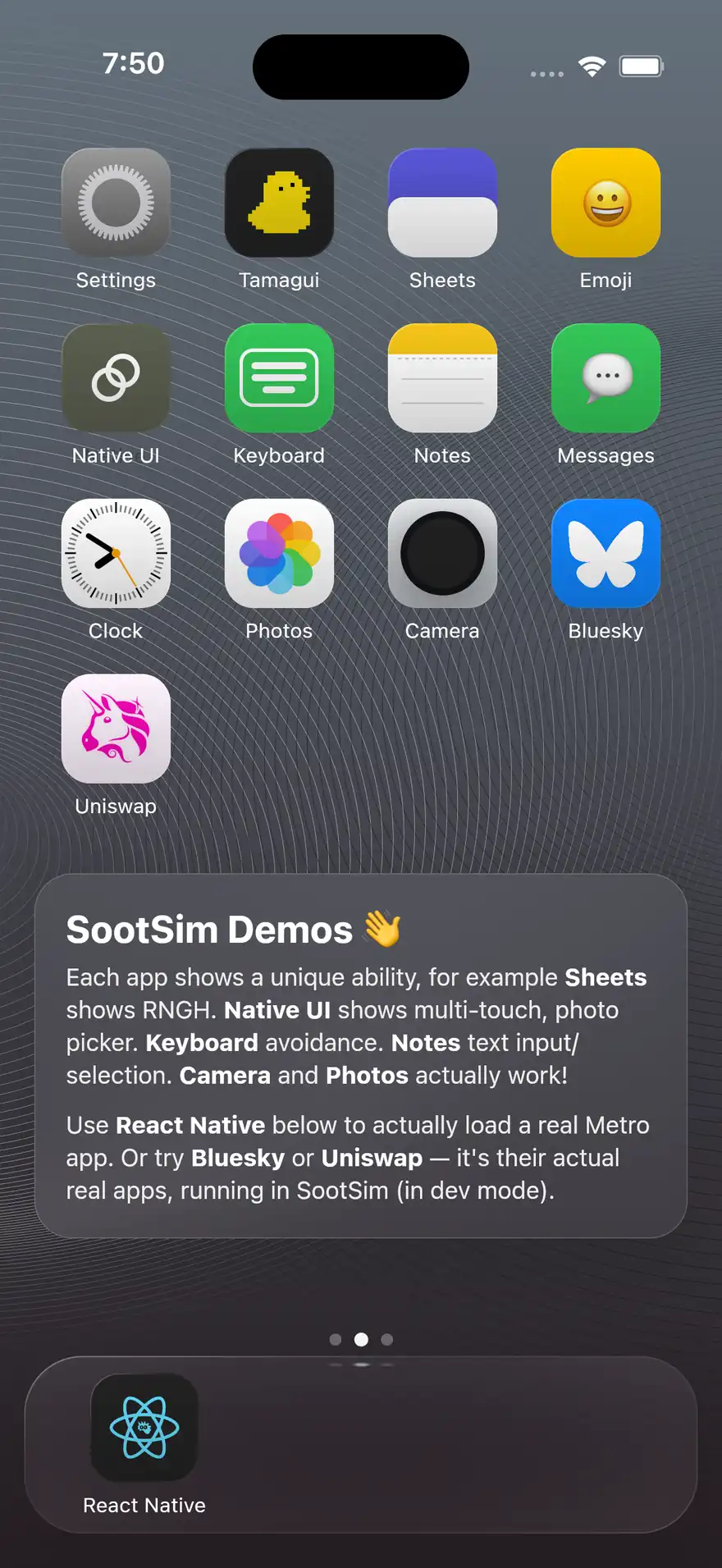
Show every connected sim, or (with --drivers) enumerate the launch drivers (chromium, electron, playwright, system) along with their availability on the current machine. By default hides idle host shells (open tabs with no app bundle loaded) so the output stays focused on the demos that actually have an app running; pass --all to see everything.
terminal
Options
| flag | description |
|---|---|
--port <number> | bridge port (defaults to 7668) |
--sim <sim> | highlight a specific sim in the output |
--all | show every connected sim, including idle host shells with no app loaded |
--bundle <substring> | only sims whose loaded url contains this substring |
--app-port <port> | shorthand for --bundle '/rn/<port>': filter to sims for the app on a specific metro/vite port. NOT --port (that’s reserved for the bridge port) |
--primary | only the primary sim |
--drivers, -D | list available launch drivers instead of connected sims |
--json | emit array of sim objects for scripts |
Examples
terminal
Output Shape
The sim list is meant to answer two questions quickly:
- what shells are connected right now?
- which one actually loaded the app I care about?
Each sim prints its id, loaded target summary, full URL when available, readiness state, and whether it is the current primary sim.