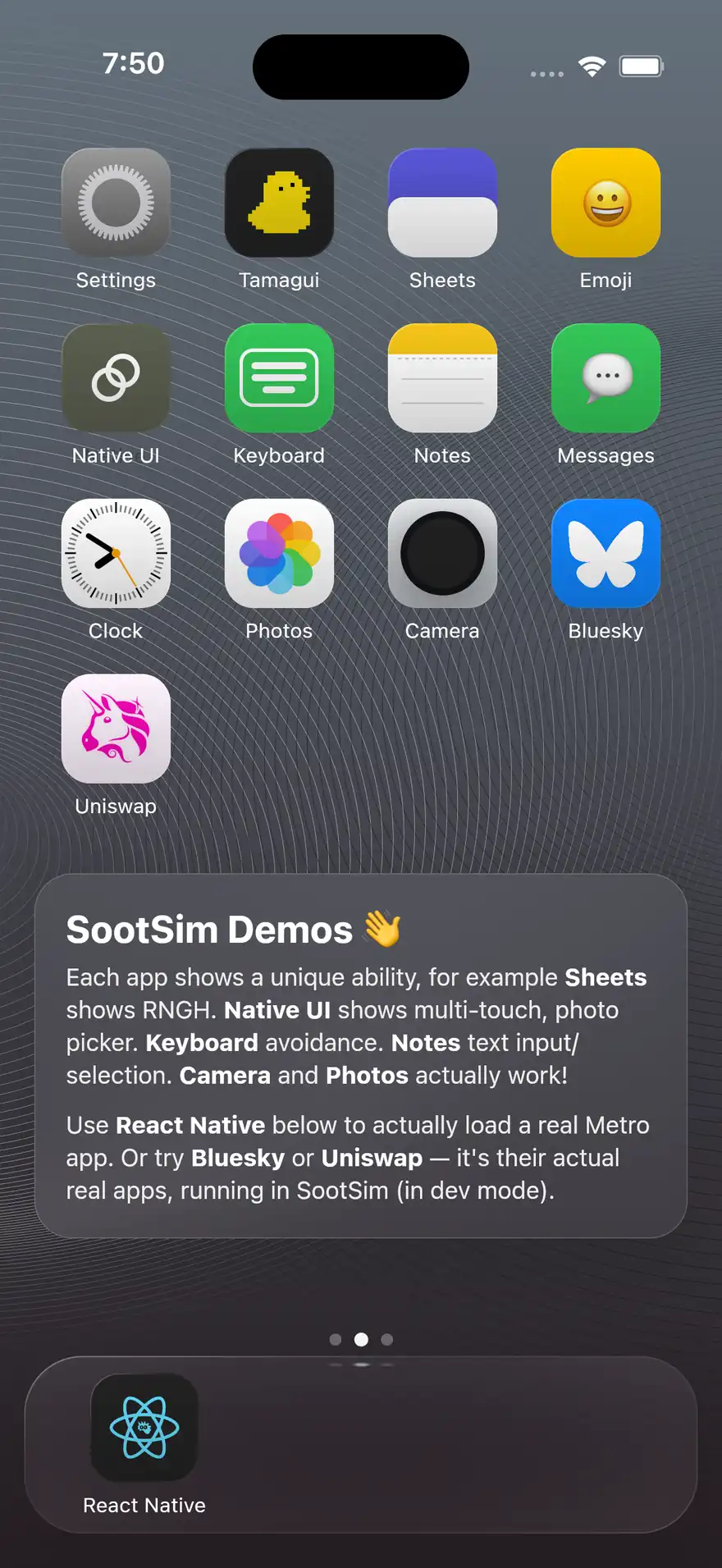
sootsim screenshot
sootsim screenshot
One screenshot surface: capture the current canvas as a PNG, drive the live App Store slide composer, or run the plan/headless App Store capture pipeline. Bare sootsim screenshot is the same as sootsim screenshot capture.
terminal
Options
| flag | description |
|---|---|
--output <path> | for capture: output PNG path (default: /tmp/sootsim-inspect.png). aliases: -o, —out, —file, —path |
--area <x,y,w,h> | for capture: crop to a logical sootsim rect. aliases: —rect, —crop |
--id <testID> | for capture: crop to the bounding box of a node by testID. alias: —testid |
--text <text> | for capture: crop to the bounding box of a node by text content |
--no-shell | for capture/flows: exclude simulated iOS chrome |
--shell-only | for capture/flows: capture only shell chrome |
--plan <path> | for appstore: screenshot plan yaml |
--org <org> | for appstore capture: github org slug |
--repo <repo> | for appstore capture: repo name |
--compose-only | for appstore: skip flow capture and reuse existing raws |
--capture-only | for appstore: stop after raw/framed intermediates |
Examples
terminal
Screenshot Modes
screenshot owns one-off PNG capture and App Store screenshot workflows:
screenshot capturecaptures the current canvas as a PNG. Barescreenshotis the same path.screenshot slidesdrives the live slide composer through the shell bridge.screenshot appstoreruns a plan that captures raw screenshots, frames them, and composes export canvases.screenshot appstore captureheadlessly recaptures editable org-deck slides.
Use mode screenshot on when you need the browser chrome hidden around the canvas before capturing.